
You want to see how it gets broken before someone else shows you.
Application received. We will email you the dates and the price for the first cohort. Applying does not commit you to anything.
AI START academy · Offensive Security and AI Pentesting Bootcamp
We build. We teach.
From Day Zero to Zeroday
Run a full security engagement in four sessions. You start with a company name and nothing else. You finish with a pentest report you wrote and a security pipeline you built.
Every lab is done two ways: with the standard tools, then with AI agents.
Taught by Bogdan Red, CTO at CQR · Four sessions, a lab in every hour · In the room at 1769 15th Street, San Francisco, and live on Zoom
Built for people who ship or defend real systems
You gave a model tools and access, and you are not sure what one hostile email could make it do.
SOC, IT or junior pentest. You want reps on a whole engagement, and on the AI tooling your team keeps asking about.
A customer security review is coming, and you would like to find the problems first.
What “Day Zero” means
Day zero of an engagement: you know the target’s name and nothing else. It does not mean zero experience.
The course follows the order a real assessment does. Find what is exposed. Read the code. Break in by hand. Then hand the repetitive parts to AI agents, and build the pipeline that keeps checking after you leave.
Four sessions, a lab in every hour
- Session 1
Day Zero: recon, leaks, the first way in
Map what a company exposes without touching it. Tell a live leaked key from a dead one. See how MFA phishing works in a sandbox, then write the detection for it.
- Session 2
Code: analysis, supply chain, research
Run and tune a static analyzer. Stop secrets at
git push. Find a dependency-confusion risk. Turn a published fix into a search for its unpatched twins. - Session 3
Manual pentest and red teaming
Chain web bugs with an intercepting proxy. Break API authorization and JWT handling. Write a check for a fresh CVE. Walk an Active Directory path to Domain Admin in the lab.
- Session 4
AI pentest, MCP, pipelines, capstone
Run a team of AI agents against a lab target and judge what they find. Attack an MCP server, then harden it. Build a pipeline that runs on every commit. Finish with a timed capstone and a report.
You leave with work, not slides
What you take home
- An attack-surface map built from public sources only.
- Scanning in your own repo: static analysis and dependency checks, with a guard that stops a leaked key at
git push. - A working exploit chain against a vulnerable payments API, in the lab.
- A security review of an AI agent and an MCP server, with the fixes.
- A CI pipeline that scans every pull request and files a ranked report.
- A pentest report on the capstone target, written by you.
How it runs
- Four sessions of four hours, two a week for two weeks.
- In the room or on Zoom. Same sessions, same labs.
- The lab range runs on your laptop, so the week between sessions is practice time.
- Every lab, two ways: the open-source tool first, then the automated one.
- A certificate from AI START academy when you complete the capstone.
Every lab, two ways
First with the standard open-source tool, so you know what is happening underneath: Semgrep, Burp or Caido, Nuclei, BloodHound, Garak, Promptfoo and the rest. Then with Insomnia, the unified suite from CQR, so you see what automation and AI agents save you.
Plain disclosure: your instructor’s team builds Insomnia. You are assessed on the open-source path, so the skills transfer whatever tools your employer uses.
What makes this different
We stay until it's running.
Most security courses end at the last slide. You watched someone else’s terminal, and nothing on your own machine works.
Here the lab range runs on your laptop from the first session, and session four ends when your pipeline runs and your report is handed in.
The school is still here afterwards: Demo Day is every Thursday at 7pm PT, in the same room and on Zoom, and it is free. Bring what you built.
What students say.
In their own words
Student videos from the channel · swipe to see more →
Your instructor, and the school behind the course
Bogdan Red leads every session of this bootcamp. Lex, Sergei and Kheir teach the school’s AI bootcamps.
Lex Mustafin
Founder and CEO, AI START academy
Founded Custom Product Builder in 2016, now used by 4,000+ merchants in 100+ countries. Runs Buildateam, which has delivered for 700+ companies since 2016. Co-founded AbbeyPost (500 Startups, acquired). Mentors founders at Draper University and 500 Global.
Teaches: AI foundations, Claude Code, deployment, content, and the business side of running on AI.
Full profile
Sergei Zdorenko
Founder, AIOS Cortex
Runs an AI automation agency in San Francisco that installs workflows, agents and automations for small businesses. Six years in software QA before that, nearly two of them at Meta. A graduate of one of our first bootcamp cohorts.
Teaches: Claude Code, skills and routines that run while nobody is at the keyboard. He runs the Tuesday check-in call.
Full profile
Kheir Lazaref
AI automation engineer, founder of IOX Vision
Builds AI automation with an embedded-systems and IoT background. Master's in Electrical and Electronics Engineering.
Teaches: n8n workflows, agents, and voice with Vapi, ElevenLabs and Twilio. He runs the Wednesday check-in call.
Full profile
Bogdan Red
Cybersecurity · CTO and penetration test lead, CQR
About two decades in penetration testing, red teaming and security engineering, including Senior Penetration Tester at EPAM Systems. CEH Master, OSCP, OSWE.
Teaches: Cybersecurity: how to secure the AI agents you deploy, and how an attacker would break them.
Full profileA real room in the Mission.
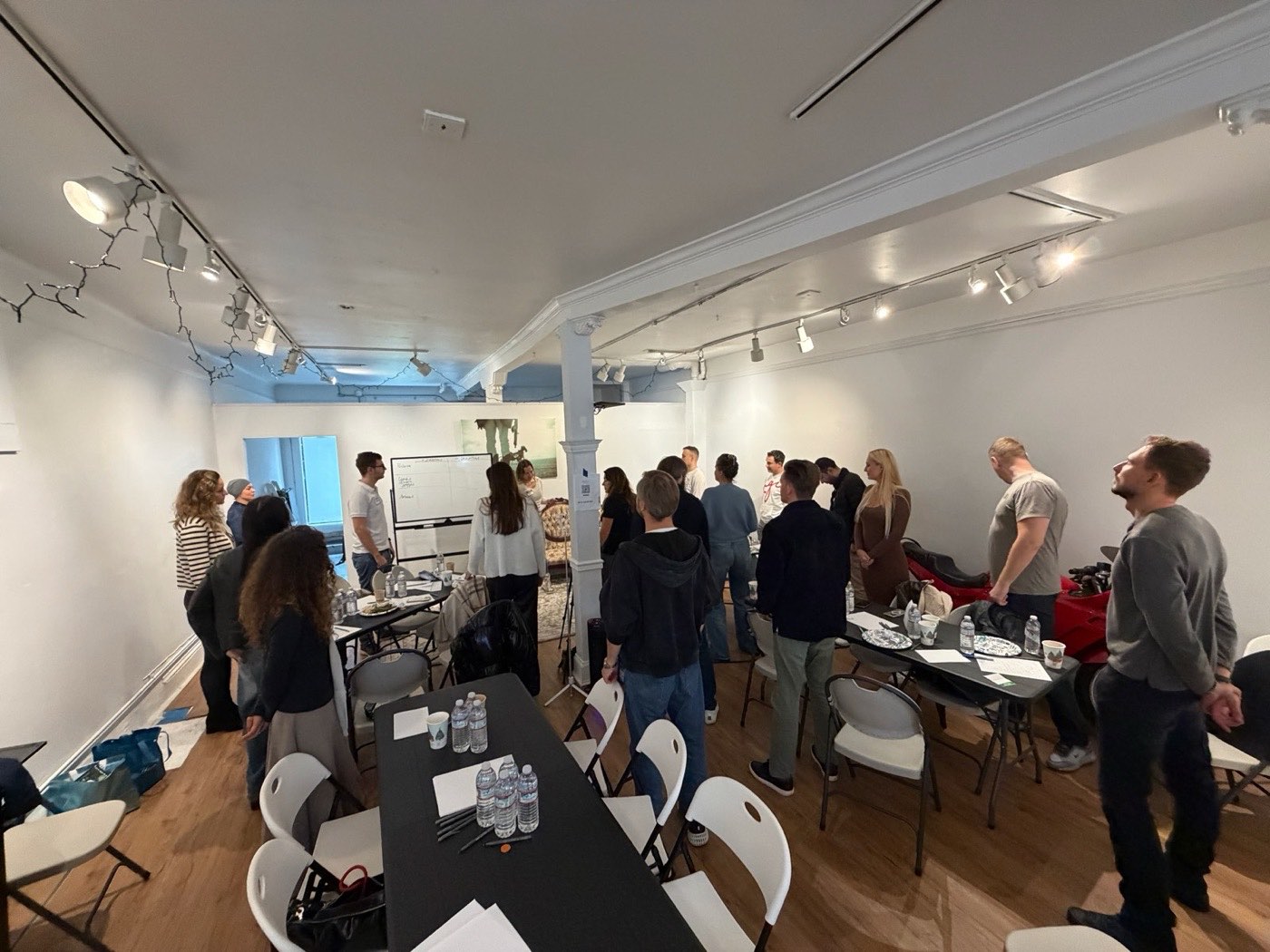
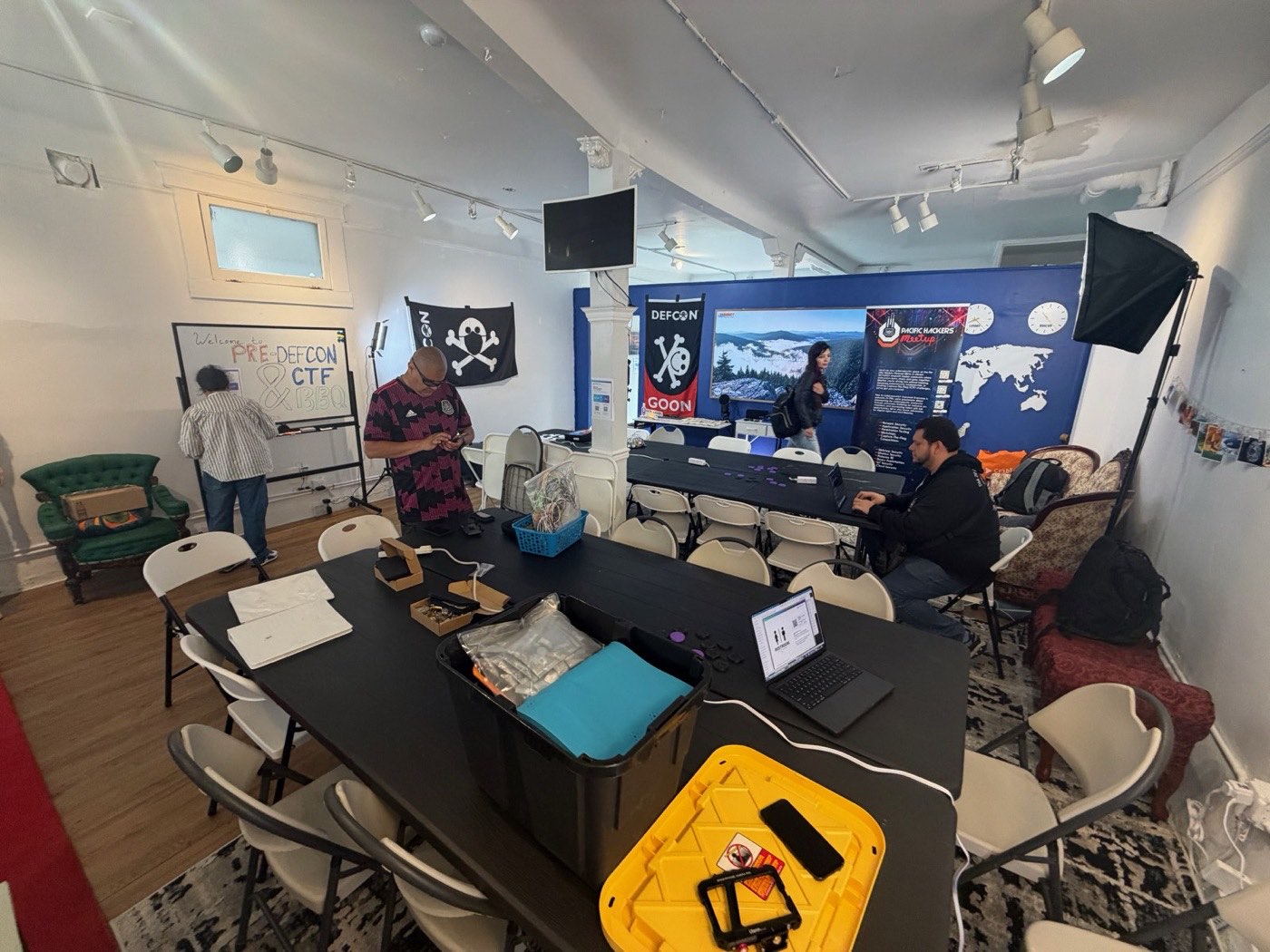
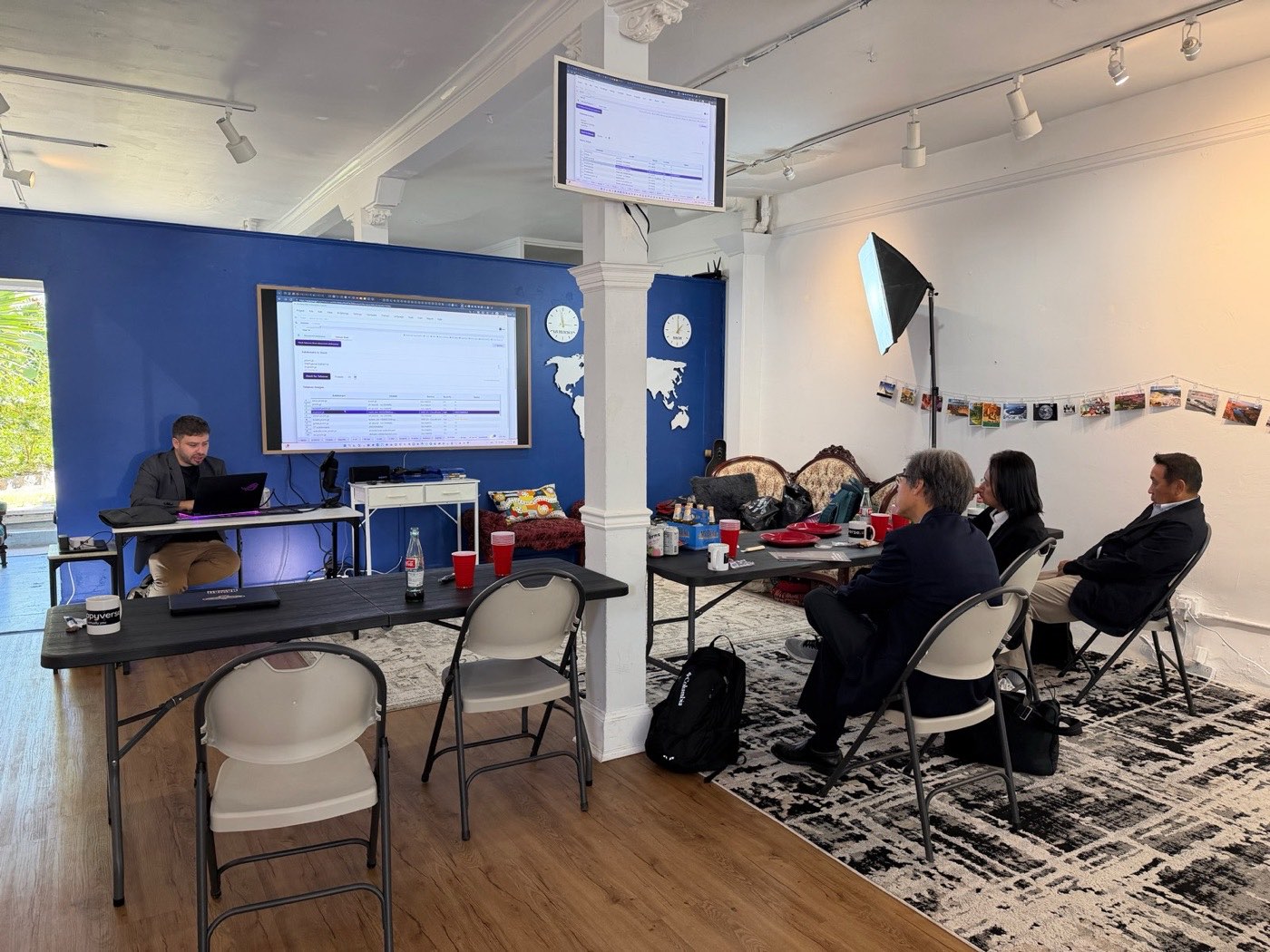
All four sessions run here, five minutes from 16th St BART, and live on Zoom. Hardware demos and lab help work best in the room; the Zoom seat gets the same sessions and the same labs.
Visit us
1769 15th Street, San Francisco, CA 94103
Public transit: BART 16th St Mission
Open in Google MapsHow the sessions run
- Four sessions, two a week for two weeks
- In the room or live on Zoom
- Days and times are being set for the first cohort
An honest read before you apply.
It fits if you:
- are comfortable in a terminal and can read Python or JavaScript
- know what an HTTP request and a Git commit are
- have a laptop with 16 GB of memory and can run Docker
- want to do the work with your own hands, in a lab, with someone who does this for a living
It is not for you if you:
- have never used a terminal. Start with our AI bootcamps, where the cybersecurity sessions are taught for builders
- want a certification exam prep course. This is hands-on practice, with no exam voucher
- want to test systems you have no permission to test. We teach lab targets and written authorization only
Rules of engagement
This is authorized security training. Every target is a lab we own. You sign a rules-of-engagement page when you enrol: lab targets only, written permission for anything else.
Each attack lab ends with the defence: the log line, the detection rule, the control that stops it.
Not ready yet?
Leave your email and we will send you the Modern AI Thesaurus, our free guide to the terms and tools of modern AI, plus news from the school.
One field. Unsubscribe any time.
Questions people ask first
- No. You need to be comfortable in a terminal and able to read Python or JavaScript. The course starts each topic from how the attack works, then moves fast.
- Yes. It is authorized security training. Every target is a lab system built for the course, and you sign a rules-of-engagement page when you enrol: lab targets only, written permission for anything else.
- You will learn the method researchers use: read a published fix, name the bug pattern, and search for the same pattern where it has not been patched. Whether that turns up something new takes time and luck, and we do not promise it.
- Yes. The four sessions run in our room at 1769 15th Street, San Francisco, and live on Zoom at the same time. You choose one when you apply. This is separate from our AI bootcamps, where the lessons are online.
- We are setting the dates and the price for the first cohort now. Apply and we will send you both before you decide. Applying does not commit you to anything.
- A laptop with 16 GB of memory and Docker installed. The lab range runs on your own machine, so you keep it after the course.
- Bogdan Red, CTO and penetration test lead at CQR, leads every session. He also teaches the cybersecurity sessions in our AI bootcamps.
- No. Every lab is done first with standard open-source tools, then with Insomnia, the suite Bogdan's team builds at CQR. You are assessed on the open-source path.
- No. That bootcamp teaches you to build and sell AI automation. This one teaches you to attack and defend systems, including the AI agents you build there. They fit together well.
- Yes. Say so when you apply and we will come back to you about a group.
Apply for the first cohort.
Tell us what you work on and whether you want the room or Zoom. It takes two minutes. We send the dates and the price before you decide.